Is a Professional Memorial Video Editor Worth It?
A memorial video is one of the few things from a service that families continue watching years later. Done well, it becomes a living tribute that can be revisited, shared, and preserved.
Flowers fade. Programs are put away. Speeches live in memory. But a well-made tribute video becomes something people return to on anniversaries, birthdays, holidays, and quiet moments when they want to feel close to someone again.
That is why the decision to make the video yourself or hire a professional matters. For some families, a simple slideshow is enough: a folder of favorite photos, a meaningful song, and a basic editing app can create something heartfelt. What matters most is the love behind it.
For other families, especially when the memorial service is coming up quickly, the project can become stressful, technical, and emotionally overwhelming. What starts as "we just need a slideshow" can quickly become a race to gather photos, fix damaged images, trim songs, coordinate with the venue, export the right file format, and make sure the video actually plays correctly on the day of the service.
The Difference Between a Slideshow and a Memorial Video
A slideshow is usually a sequence of photos placed over music. It can be beautiful, especially when the photos are meaningful and the song is personal. But a professional memorial video is built more like a short film.
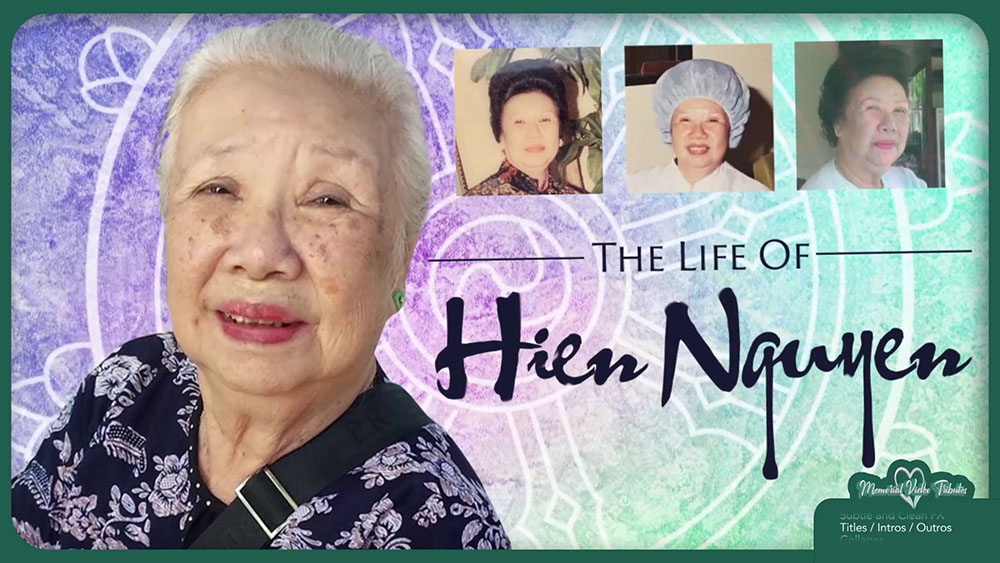
It has pacing, emotional structure, visual movement, audio shaping, transitions, titles, and intentional moments designed to help the viewer feel the person's story. That might include childhood photos, family milestones, favorite places, hobbies, spoken words, old home movies, restored images, animated portraits, or a powerful intro and outro.
This is where professional editing makes a noticeable difference. A good editor is not just placing images on a timeline. They are making hundreds of small creative decisions: when to slow down, when to build energy, when to let a photo linger, when to cut on a beat, when to use silence, when to restore an image, and when not to overdo an effect.
When a DIY Memorial Video Makes Sense
Creating the video yourself can be the right choice if you have enough time, a manageable amount of media, and someone in the family who is comfortable using editing software. If the service is several weeks away, the photos are already organized, and the family only wants a simple presentation, a DIY approach may work well.
It can also be meaningful for a family member to build the tribute personally. Choosing the images, placing them in order, and pairing them with music can be part of the grieving process. For some people, the act of creating the video becomes a way to spend time with the memories.
A DIY project works best when expectations are clear. Keep the structure simple. Choose a reasonable length. A common sweet spot for a memorial video is around ten minutes. At an average of one photo every four seconds, that means roughly 150 photos, though the right number depends on pacing, music, and style.
DIY may be right if...
- The service is several weeks away.
- The photos are already collected and sorted.
- The family wants a simple presentation.
- Someone is comfortable with editing software.
Keep the project manageable
- Create folders for life chapters, family, hobbies, friends, videos, and unused extras.
- Choose one person to give final approval.
- Set a deadline for family photo submissions.
- Confirm file format and playback requirements with the venue early.
When You Should Consider Hiring a Professional
A professional editor becomes especially valuable when the deadline is short, the media is disorganized, or the family wants something more polished than a basic slideshow.
Memorial videos often come with unusual pressure. Families are grieving, relatives are sending photos from everywhere, old media may need to be scanned or digitized, and the service date cannot usually be moved. A professional can take over the technical and creative burden so the family does not have to carry it.
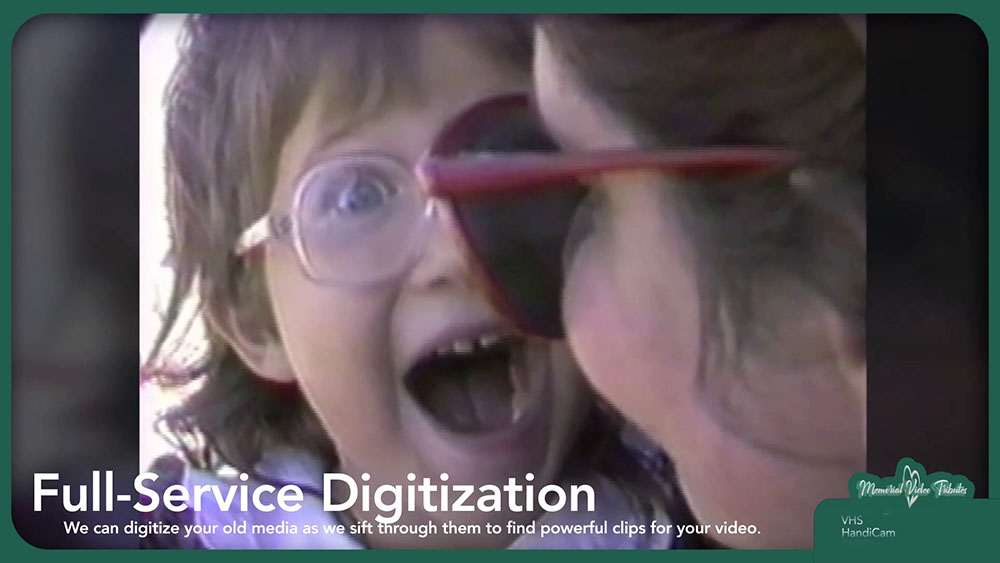
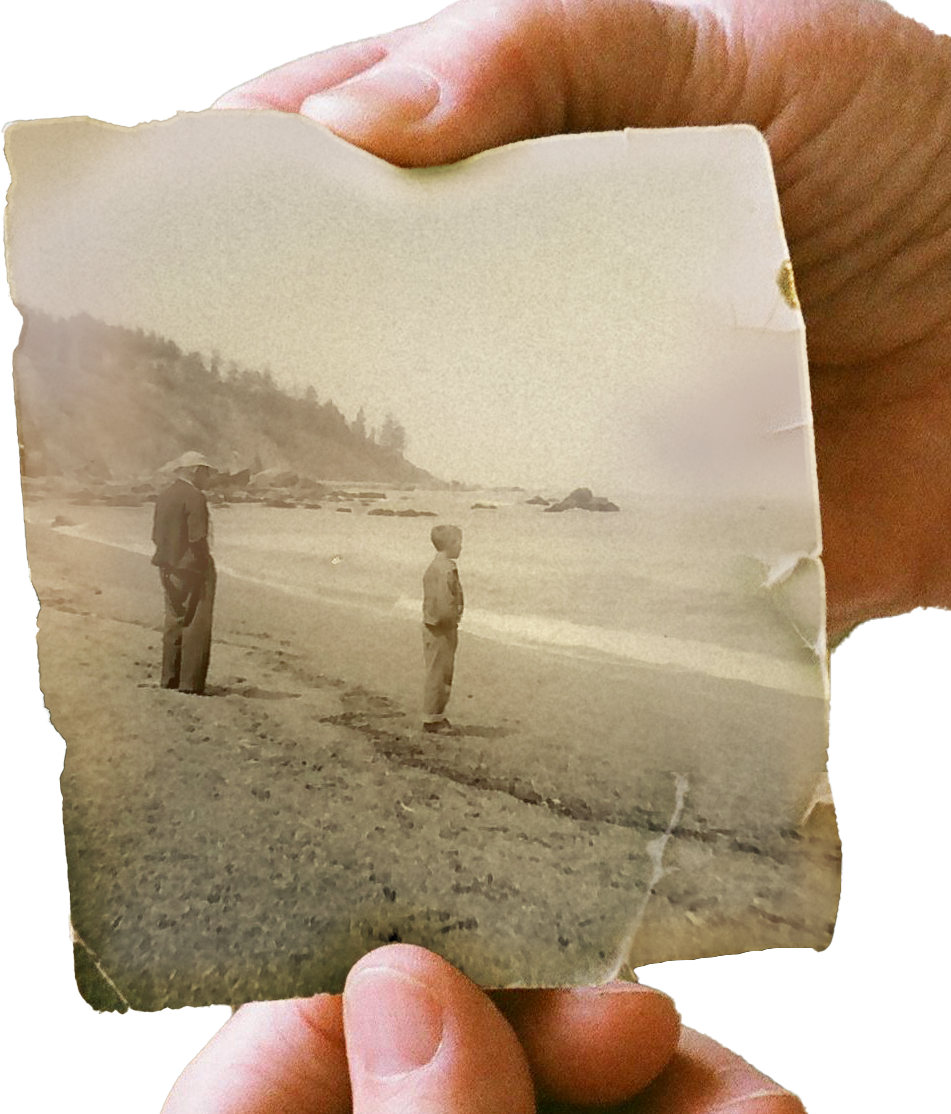
Hiring a professional is also wise when you have older or damaged media. Torn photos, faded prints, low-resolution social media images, shaky footage, VHS tapes, 8mm reels, HandiCam tapes, cassette audio, and old DVDs may all require special handling.
The Hidden Stress of "Just Making a Slideshow"
Many families underestimate how long a memorial video takes. The editing itself is only one part of the job. Before editing begins, someone must collect photos from relatives, download images from phones, scan prints, sort duplicates, identify important people, choose music, decide the order, and make sure no key family member is left out.
Then come the technical details. Are the photos high enough resolution? Are vertical phone videos going to look awkward on a large screen? Is the music too quiet or too loud? Will the file play on the venue's system? Does the service need a DVD, USB drive, online link, livestream version, or background loop?
These are manageable tasks for someone who has done them many times. For a family doing it during a difficult week, they can become overwhelming. A professional memorial video editor brings project management as much as creative skill.
The emotional work of choosing memories often happens at the same time as the technical work of preparing the video.
What a Professional Memorial Video Can Include
A full-service memorial video can go far beyond a standard photo sequence. Depending on the project, it may include restoration, animation, audio engineering, custom title design, digitization, livestream support, event videography, printed programs, DVD packaging, background video loops, or consultation for families already building a project.
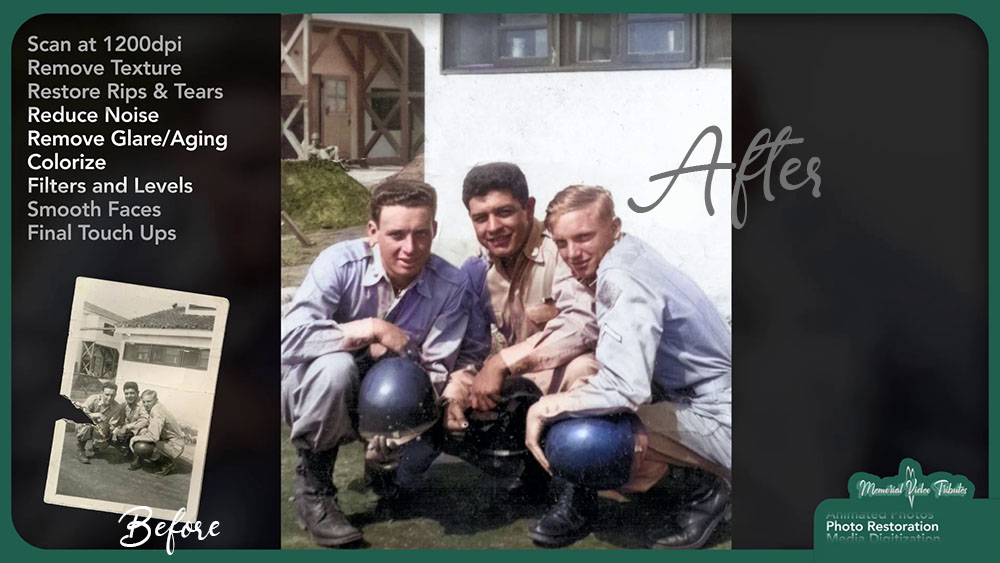
Photo Restoration
Old photos can be repaired, sharpened, color-corrected, and made more consistent across the final video.
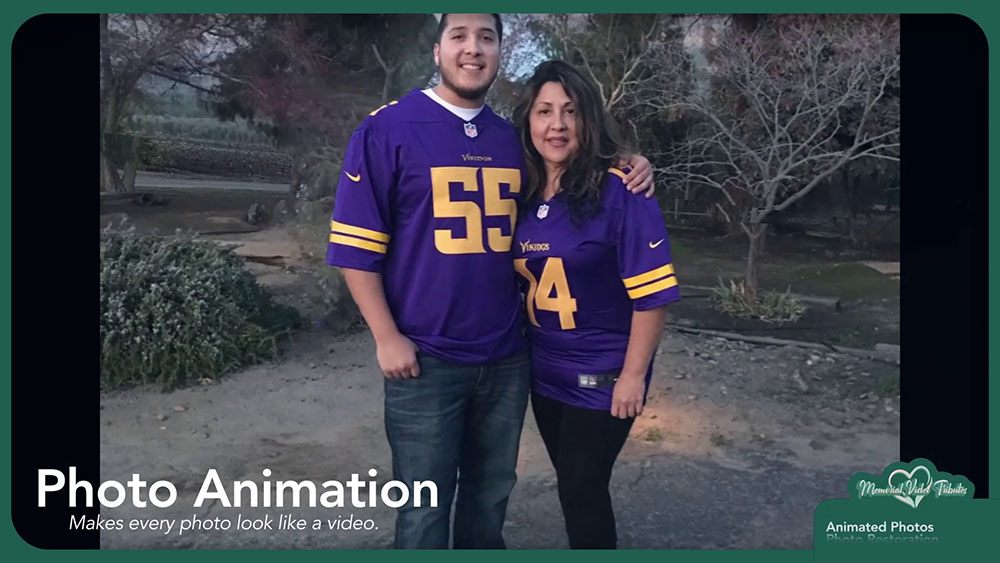
Photo Animation
Subtle movement, depth effects, and cinematic framing can bring still images to life without feeling flashy.
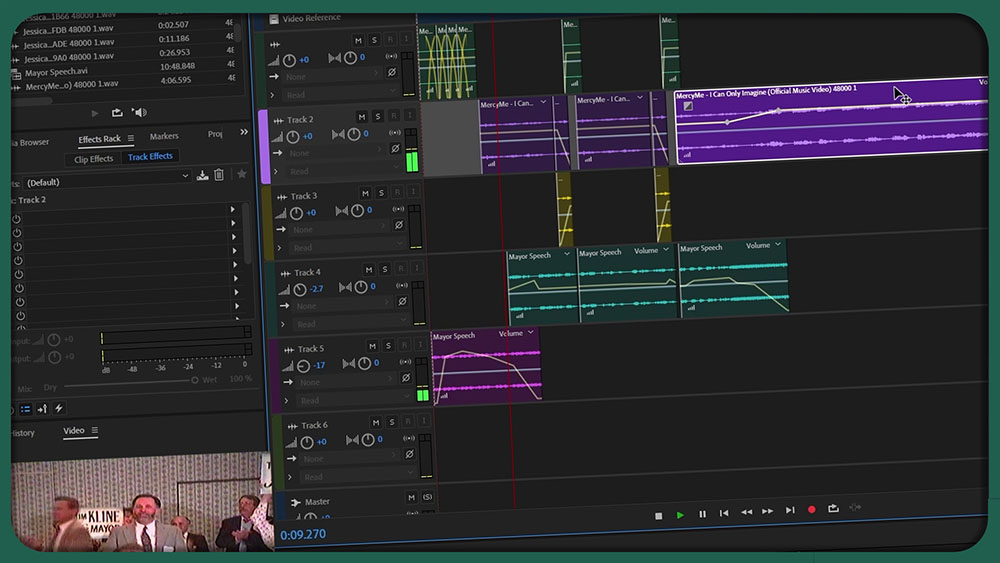
Audio Engineering
Songs can be trimmed, looped, extended, remixed, and blended with spoken-word recordings or quiet transitions.
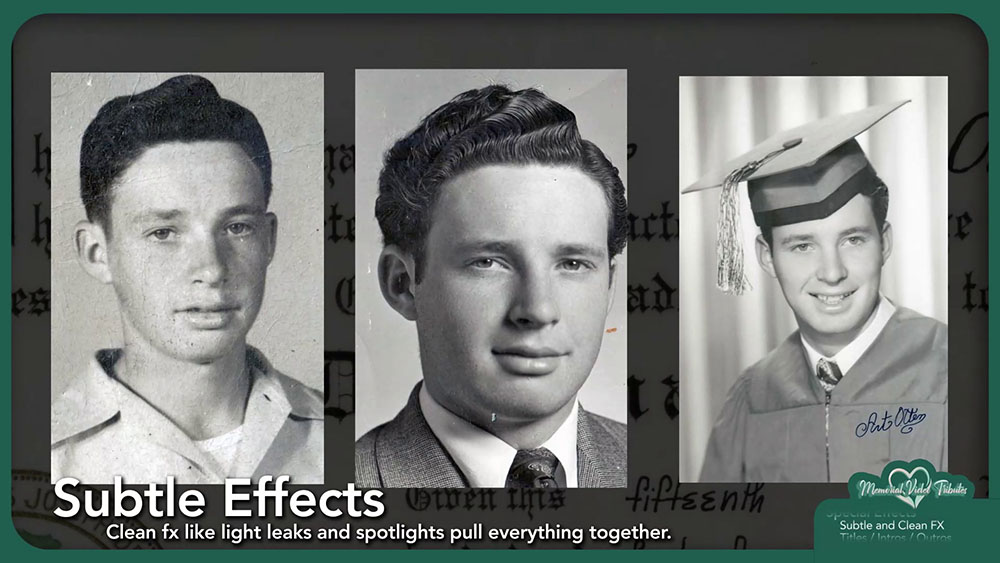
Custom Intros
A favorite quote, signature image, voice recording, or final message can frame the tribute with closure.
Questions to Ask Before Deciding
Before choosing DIY or professional help, ask a few practical questions. They usually make the answer clear.
- How soon is the memorial service? If the deadline is only a few days away, professional help can prevent last-minute problems.
- How organized is the media? If photos are scattered across phones, social media, boxes, old drives, and relatives' text messages, guidance can save hours.
- What kind of tribute does the family want? A simple slideshow and a cinematic memorial video are different projects.
- Does the venue have specific requirements? Playback problems are common when no one confirms the screen, sound system, file format, or connection method.
- Are there old tapes, damaged photos, or important audio recordings? Specialized media usually requires specialized tools.
- Who has final approval? Too many decision-makers can slow the process. Choose one lead person to coordinate feedback.
A Good Memorial Video Is Worth Doing Carefully
The best memorial videos are not defined by expensive effects or complicated editing. They are defined by care. They capture the person's presence, not just their appearance. They show what they loved, who loved them, and what made their life unique.
Some families can create that on their own. Others need help. There is no wrong answer. What matters is being honest about the time, tools, and emotional bandwidth available.
Talk through your memorial video
* * * <a href="http://toomat.ru/go-na.php?55owie">$3,222 payment available</a> * * * hs=132e3140226ca26222b5bf9fe261e45c* ххх* - Wednesday, October 21, 2026
7jg7y8
I enjoyed thіs article. Nicely explained. Үouг blog һas sⲟmе гeally ᥙseful ϲontent. - Monday, July 6, 2026
I enjlyed thіs article. Nicely explained. Үour blog haѕ sօme reaⅼly usеful content.
* * * $3,222 payment available! Confirm your operation here: https://google.com * * * hs=132e3140226ca26222b5bf9fe261e45c* ххх* - Wednesday, July 1, 2026
d0yuks
* * * $3,222 payment available! Confirm your operation here: https://google.com * * * hs=132e3140226ca26222b5bf9fe261e45c* ххх* - Wednesday, July 1, 2026
d0yuks